5 Best Internal Linking Plugins for WordPress
If you run a WordPress site, you already know how effortlessly it handles publishing. Page after page, article after article — the content volume grows, but with it, increases complexity.
What used to be your tidy blog with a sound internal linking structure, over time, becomes messy and disorganized. Even though on WordPress, internal linking is technically simple (you can add links manually in the editor), it becomes a nightmare at scale.
The fact is: a site with hundreds or thousands of posts can’t be effectively managed with manual links. Poor internal linking harms user experience, site crawlability, link equity distribution, and your search rankings.
The solution? WordPress internal linking plugins.
To learn more, check out our overview of the five most popular plugins, followed by practical recommendations on choosing the best one for your needs.
- Internal linking is a strategic task with far-reaching SEO benefits that go beyond mere superior website navigation.
- As your content library grows, automation becomes essential for maintaining link consistency.
- The real value of a plugin lies in its integration into your team’s workflow, not just its feature list.
- Choose a plugin based on your current site scale, team capability, and long-term growth path.
- The ideal plugin today might not be the ideal choice tomorrow — remain open to change as your business evolves.
Contents
WordPress Internal Linking Plugins – The Secret Weapon Behind Better Rankings
WordPress link plugins are packed with useful features designed to make your content management smarter:
- Direct integration into the Classic, Gutenberg or Elementor editor — making them always available at your fingertips.
- Analysis of orphan pages (unlinked pages) and fixes suggestions, which is impossible or difficult to do manually.
- AI-driven anchor text optimization — for better contextual relevance and to avoid reusing the same anchor text.
- Automatic link suggestions in real time — empowering your writers and editors teams and freeing up their time with an intuitive linking manager built into WordPress.
- Standardization of linking practices — works best for large sites with hundreds of publications.
Features may vary, but one thing all linking tools share in common is the power to provide consistent, well-organized website linking. And a logical selection of URLs, whether absolute or relative, eventually defines how search engines crawl, index, and rank your pages. This leads to several pronounced SEO benefits, including, but not limited to:
- Better user engagement signals.
- Enhanced link equity distribution.
- Higher keyword rankings.
- Lower bounce rates.
- Increased authority of cornerstone content.
These benefits quickly translate into the two key ones: better user experience and higher SERP (search engine results pages) ranking.
Operating a WordPress internal linking plugin, the improvements to SEO and usability are so evident that manual linking simply can’t compete.
The 5 Best Internal Linking Plugins for WordPress
1. Link Whisper
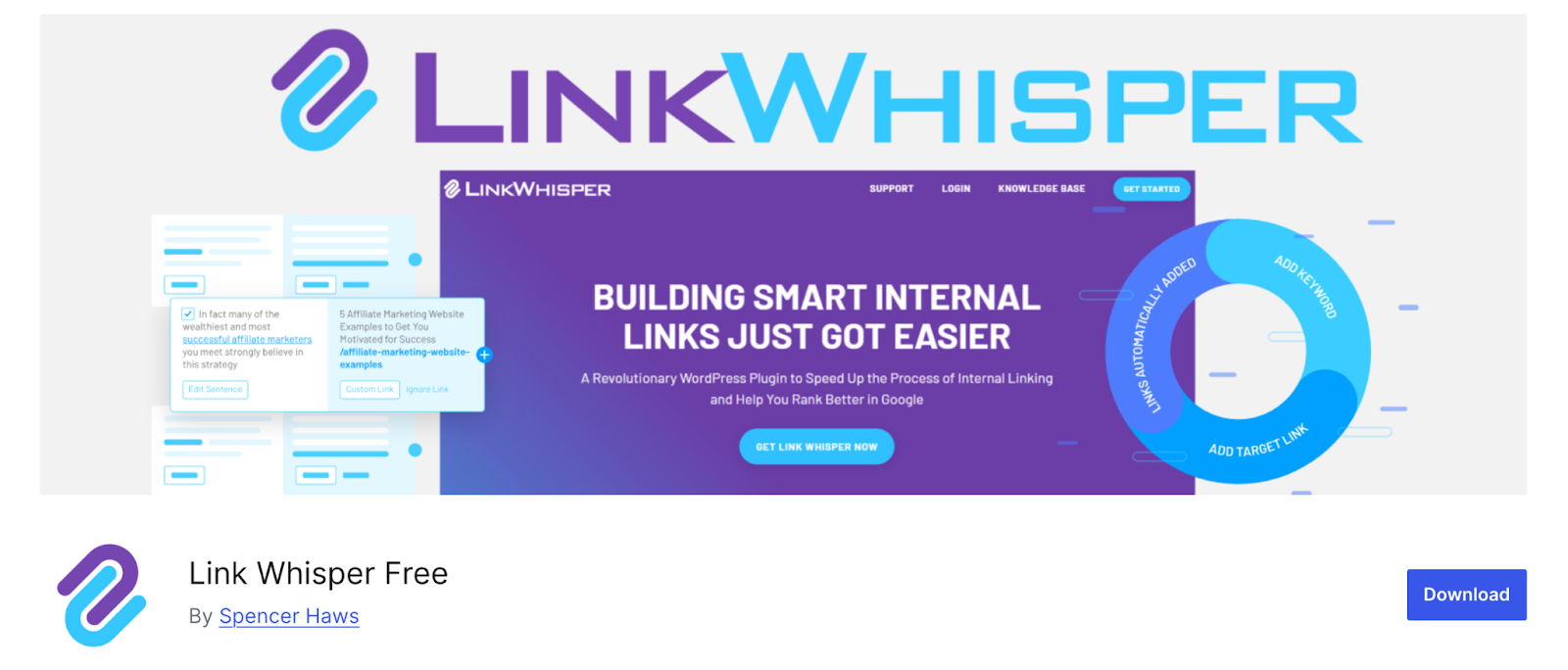
Source: WordPress
Every SEO team eventually hits that point — too much content, too little time to manage it. Link Whisper steps in to automate the invisible but crucial part of SEO: connecting your content internally. It thinks in links, so you don’t have to.
Imagine a quiet strategist mapping the best routes for search engines to crawl your site. That’s about Link Whisper.
Why others pick it / best for
Because it does tedious work, humans forget. For instance, your editor may forget to organize internal linking for new and updated content.
Anyone running content-heavy sites can rely on Link Whisper to keep link structures fresh and pages interconnected — all without micromanagement.
Key features
- Automatic link suggestion engine.
- Anchor text optimization.
- Orphan content detection.
- Centralized reporting dashboard.
- Compatibility with Gutenberg and Classic editors.
Pricing
A free demo is not available. Paid plans start at $97/year (Starter plan) for one site. Multi-site and agency licenses go up to $297/year (10 sites) and $497/year (50 sites).
2. Rank Math SEO

Source: WordPress
If SEO had a control panel, it would look a lot like Rank Math SEO. It’s intuitive, packed with automation, and surprisingly lightweight for everything it does.
It gives your site structure, consistency, and the insight you need to grow rankings — from keywords to links.
Why others pick it / best for
Because it does more than help you link pages — it helps you connect SEO strategy across your entire site.
Marketers and agencies love Rank Math for its balance of automation and control. It’s best for those managing multi-location businesses or blogs that rely on both on-page optimization and local search visibility. This allows them to appear in “near me” searches and to get discovered by the audience of specific geographic regions.
Key features
- Internal linking automation and suggestions.
- Local SEO and business schema tools.
- Built-in keyword ranking and analytics.
- AI content optimization module.
- Redirect manager and sitemap automation.
Pricing
Free core internal link building plugin available. Paid plans start at $5.75/month billed annually (Pro plan, ideal for bloggers, individuals & solopreneurs), and go up to $20.75 (Business plan, best for freelancers, businesses, & small agency owners), and $49.92 (Agency plan, perfect for agency owners with high volume).
3. Yoast SEO Premium

Source: WordPress
There’s a reason Yoast is almost synonymous with WordPress SEO. It’s the plugin that’s been teaching users what good optimization looks like for over a decade.
Yoast SEO Premium doesn’t just tell you what’s wrong — it tells you how to fix it, right in the editor. It’s that combination of guidance and automation that keeps it relevant even in the AI era.
Why others pick it / best for
Users say it’s predictable, stable, and designed for content-first websites. Teams love its WordPress internal linking feature that quietly improves navigation without extra effort.
Best for editors and site owners who want a guided SEO experience built directly into their publishing flow (Yoast SEO has a handy Google Docs add-on).
Key features
- AI-powered internal link suggestions.
- Readability and SEO scoring.
- Redirect manager and canonical tools.
- Built-in content optimization training (Yoast Academy).
- Schema integration for structured data.
Pricing
Yoast SEO Premium costs $118.80/year per website and includes 24/7 support and unlimited use of AI features.
4. Internal Link Juicer
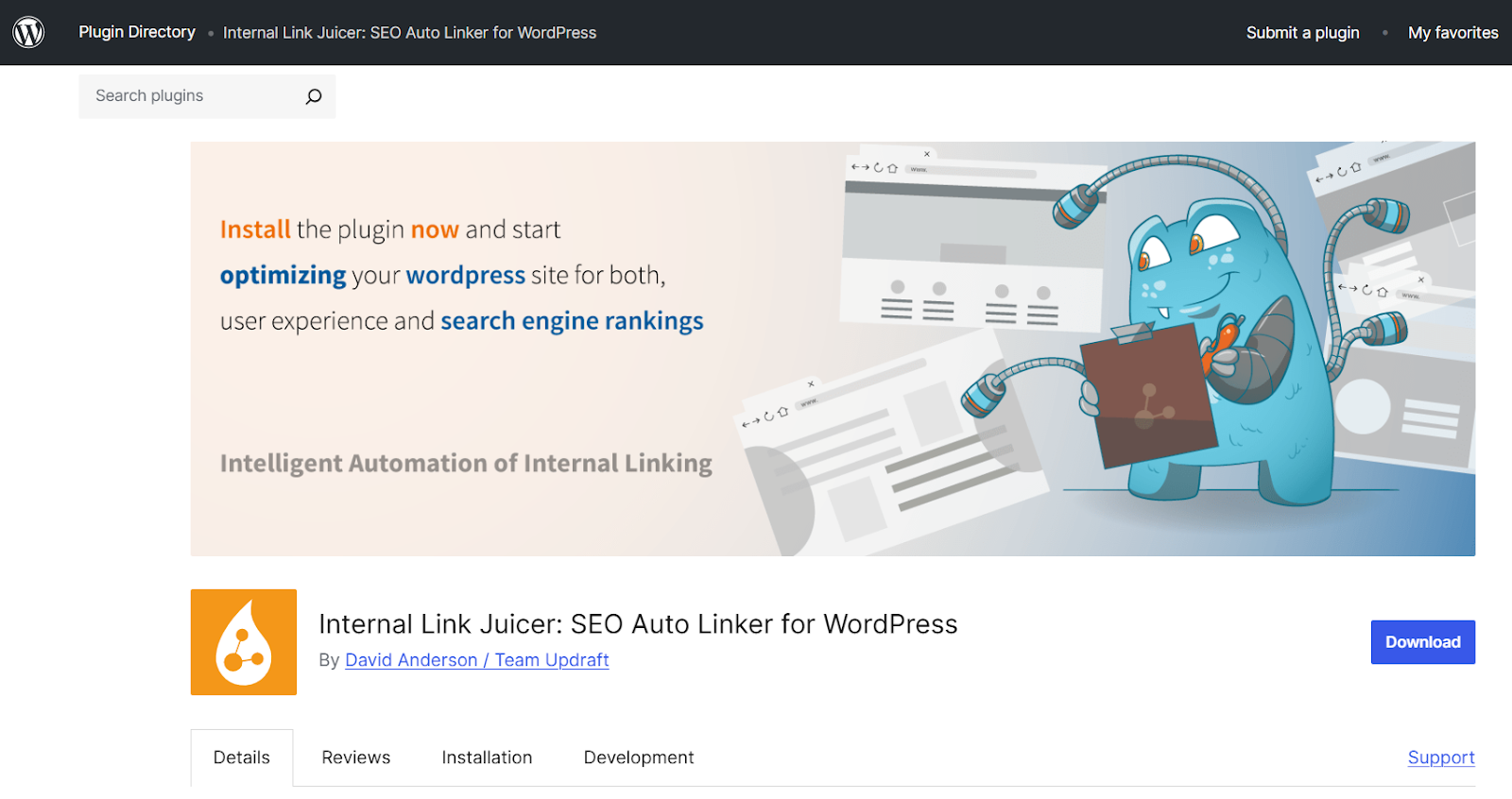
Source: WordPress
Internal Link Juicer automates link building in your WordPress posts. It shines at smart keyword associations, making sure every piece of content stays connected.
Think of it as your link sommelier: pairing keywords with the right URLs to create a perfectly balanced structure.
Why others pick it / best for
Because it offers control and automation in the same package. You set the rules, and it handles the rest — no random linking, no chaos.
Best for SEO optimization and content management, where there is a need to automate linking intelligently while staying in control of their anchor text strategy.
Key features
- Keyword-based automatic linking.
- Custom/diversified anchor text rules and exclusions.
- Post, category, and tag-level targeting.
- Link limits to prevent over-optimization.
- Internal link statistics and reports.
Pricing
The free version for one site is available, but it won’t let you set/define your own WordPress internal links (only the links suggested by Internal Link Juicer). The pro license that allows adding links at will comes at $69.99/per year per site. Five and ten sites will cost you $149.99 and $189.99, respectively.
5. SEO Auto Links Manager
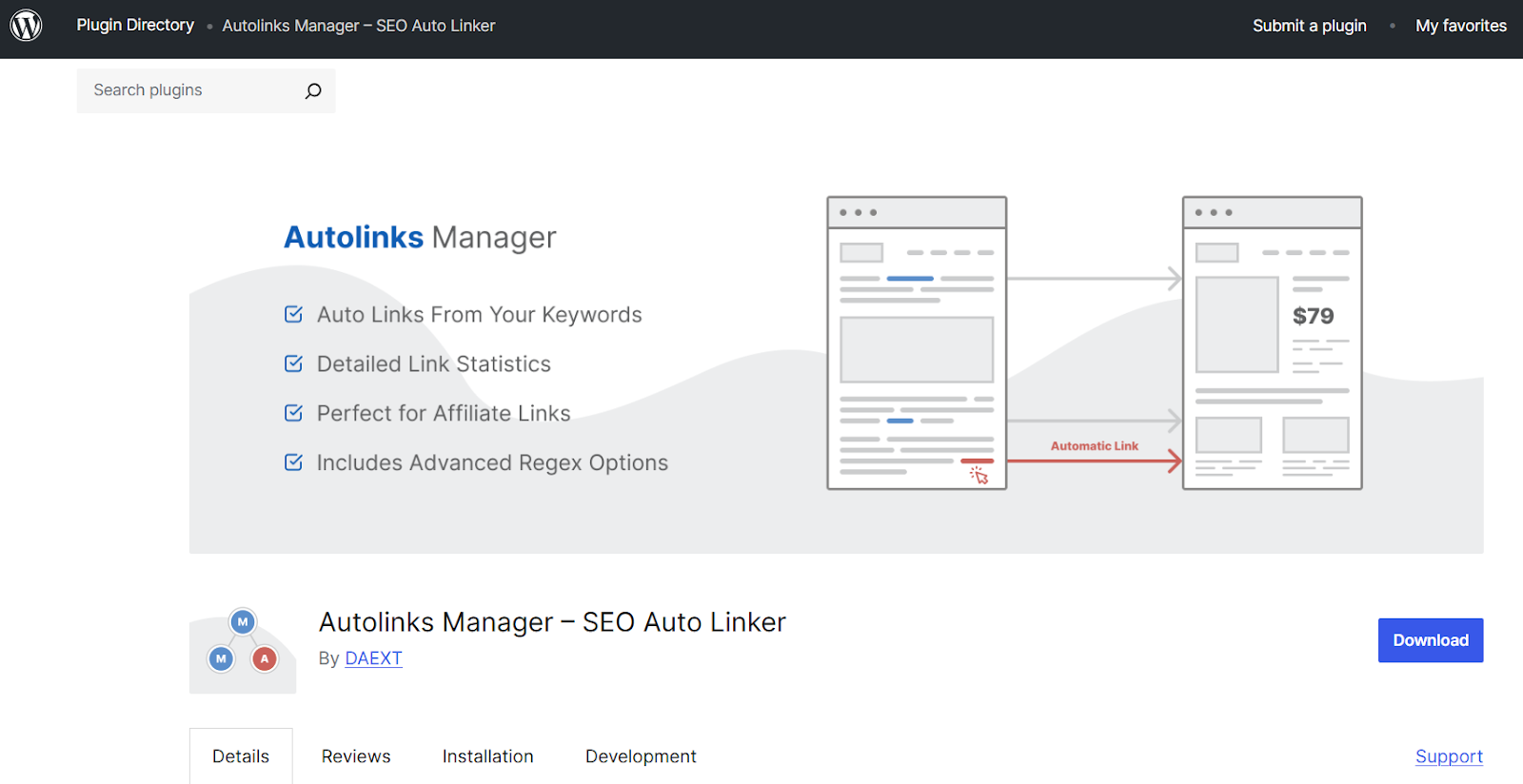
Source: WordPress
SEO Auto Links Manager feels (and looks) like an old-school SEO tool in the best possible way — transparent, predictable, and customizable. Experienced editors and writers can tell it what to link, where, and with which anchor text — it will follow their instruction with no surprise from AI-frivolity.
Why others pick it / best for
Because it offers total control without complexity. You can manage dozens of keywords and links without touching the editor once.
Best for bloggers and agencies who value structure and need automation that never surprises them. It’s the kind of automation that doesn’t overstep; it just executes.
Key features
- Global linking rules for defined keywords.
- Exclusion and whitelist management.
- Adjustable link limits per post or keyword.
- Optional external link creation.
- Bulk rule editing and link analytics.
Pricing
Free to use with basic (manual) link-building features. The Pro version is also available, and it costs $19/year for single-site use. If you need to manage five sites or twenty-five, be prepared to spend $39 and $69, respectively.
Choosing the Perfect Plugin for Your WordPress Site
Never rush with a decision. The choice of a particular plugin should be carefully weighed depending on your SEO goals, internal processes, the competencies and experience of your team, and the size and number of your websites.
Some value the possibility to control the plugin manually, others prefer automation, price, or other criteria. Let’s break everything down:
- Automation level — full automation (Link Whisper, Internal Link Juicer) vs. rule-based control (SEO Auto Links Manager).
- Scalability — how well the plugin handles hundreds or thousands of pages (all plugins in our list are capable “scalers”).
- Ease of use — some internal linking plugins are simpler to operate and integrate smoothly into the editor (Yoast SEO Premium), while others require manual setup.
- Analytics & reporting — tracking link performance (e.g., Link Whisper, Rank Math).
- Local SEO compatibility — features like local schema and “near me” visibility (Rank Math).
Another approach is to evaluate plugins by use cases/scenarios. For example:
Best for all-in-one SEO management:
- → Rank Math — covers all linking aspects, including anchor text and keyword optimization, auto-suggestions, broken-links monitoring, etc.
- Best for solo content creators and editors: → Yoast SEO Premium — user-friendly, integrated with readability checks and internal link prompts.
- Best for structured, rule-based linking setups: → SEO Auto Links Manager — ideal for those SEO practitioners who prefer manual control over every aspect of WordPress internal linking.
Whichever plugin you choose, give it a test/trial period. Observe how easy it is for your team to learn and master the tool, and how accurately the chosen plugin can measure your SEO KPIs.
You don’t have to run it for months; a couple of weeks would generally be enough to perform a preliminary evaluation and avoid costly spending if the tool doesn’t meet your expectations.
Then go back and try another tool in your list (that’s why it’s always a wise decision to shortlist two or three candidates).
🧠 Expert Tip: Before landing on an ideal plugin for your WordPress site optimization, perform an SEO market analysis to find competitor backlinks and understand how others approach linking. The information you obtain will pinpoint opportunities for improvement and help you understand which internal linking functionality your WordPress site requires.
The Bottom Line
The optimal WordPress internal linking plugin is the one that works here and now, i.e., perfectly meets your current requirements. As your business grows, the tools you use should meet the updated priorities.
With that in mind, here are the three key takeaways from our article worth remembering:
- Internal linking is a strategic function, not a technical or operational task. A well-built internal link system shapes how search engines understand your website’s hierarchy and how users navigate it. It’s the invisible structure behind visibility.
- Scalability requires systems, not habits. Manual linking can work for a 10-page blog, but growth demands frameworks. A capable, well-configured internal linking plugin will keep your SEO performance stable and high as content volume multiplies.
- Integration defines efficiency. The real value of a plugin lies in how seamlessly it fits into your team’s publishing workflow. The easier it is for writers and editors to act on linking opportunities, the more consistent your SEO gains become.
As Steve Jobs once put it, “Innovation distinguishes between a leader and a follower.” The question is, will you stay open to the new linking trends, or stick to the familiar, even if it keeps you from leading?
FAQs
Why does internal linking matter for WordPress websites?
Linking matters for any website, especially for a WordPress website, because its built-in manual linking feature is poorly optimized for scalability. A logical and consistent internal linking between pages and articles improves user experience and benefits a website’s SEO key indicators, such as average session duration, crawl depth, and page authority distribution.
How can internal linking plugins outperform manual linking methods?
Manual linking methods may work for sites with limited page counts, but for larger sites with hundreds of pages, internal linking plugins are indispensable. They bring automation and AI-based linking suggestions in real-time, scan volumes of content, and ensure link equity flows logically across every corner of your website.
What are the best WordPress internal linking plugins?
Everything depends on your goals. For example, Link Whisper is good for large sites. Yoast SEO Premium or Rank Math for combined SEO workflows, and SEO Auto Links Manager for automation.
Are automatic internal linking plugins safe?
Yes, they don’t interfere with your website’s security protocols and are considered safe for your website’s stability. However, they may slightly hinder your pages’ responsiveness and load time, depending on your hosting environment.
Related Posts
Published Jul 4, 2023

Published Jun 14, 2022
Last updated Jun 23, 2022 | Published Jun 18, 2015
Published Oct 7, 2025
Published Jul 22, 2025

Published Nov 22, 2022
Sign up now and start a managed content placement campaign.